Description
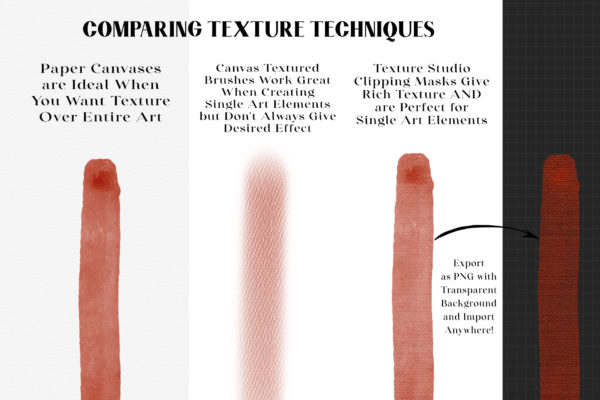
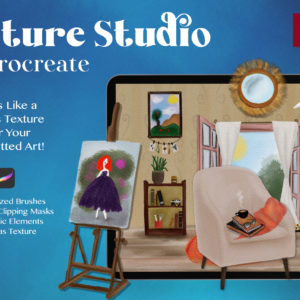
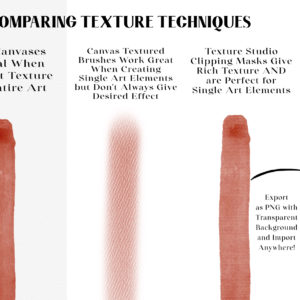
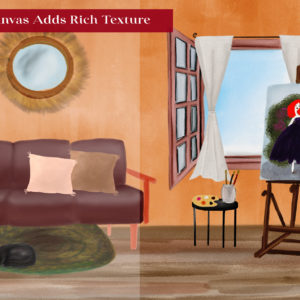
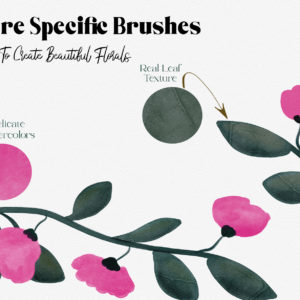
Texture Studio was created because I wanted an easier way to add textures to my silhouetted art. Canvas Textures work great but only when using over entire artwork. Canvas texture brushes don’t always give the desired effect, so I created this toolkit to help make adding texture quicker. It’s also perfect for the Procreate beginner!
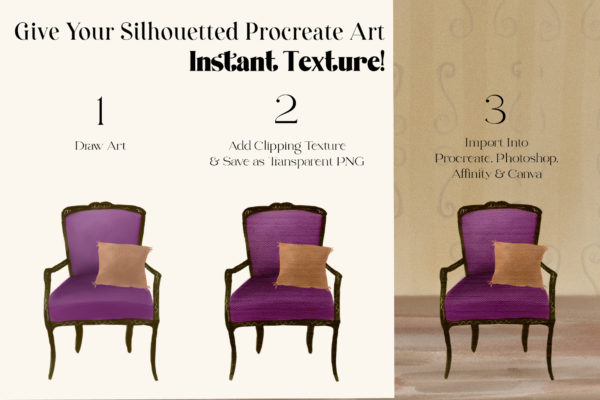
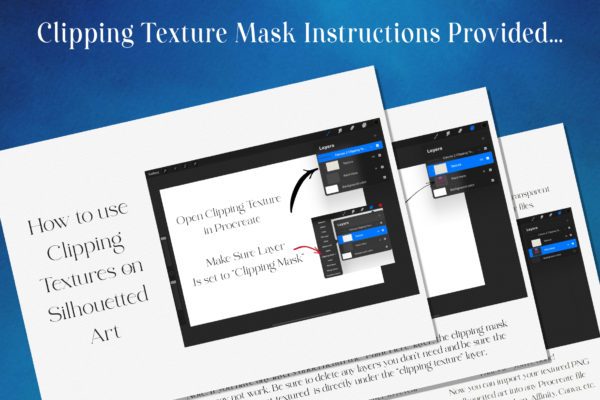
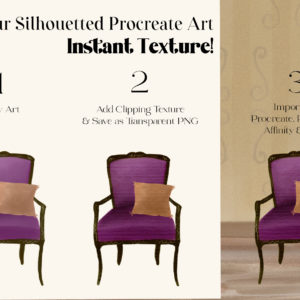
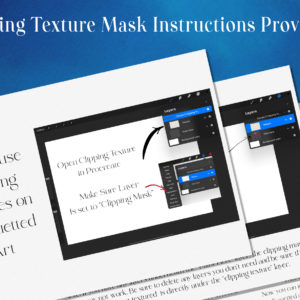
In testing out different techniques, I found that adding certain textures and creating them as clipping masks made it so easy. I could then import these textured PNG art elements into other Procreate artworks as well as Photoshop, Affinity & Canva.
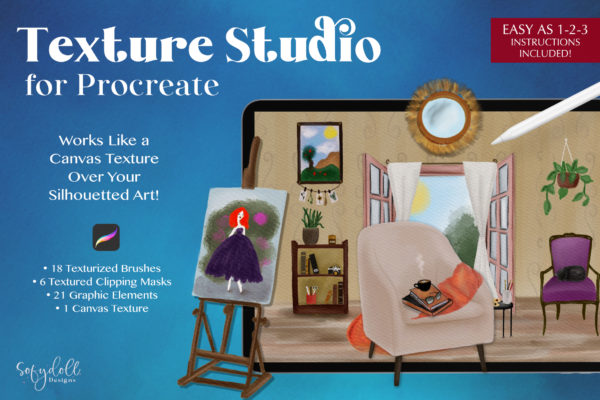
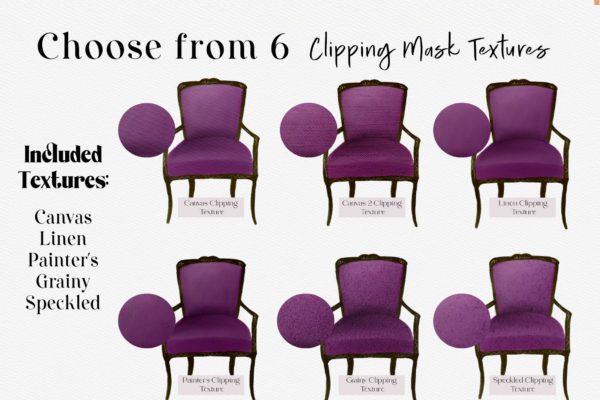
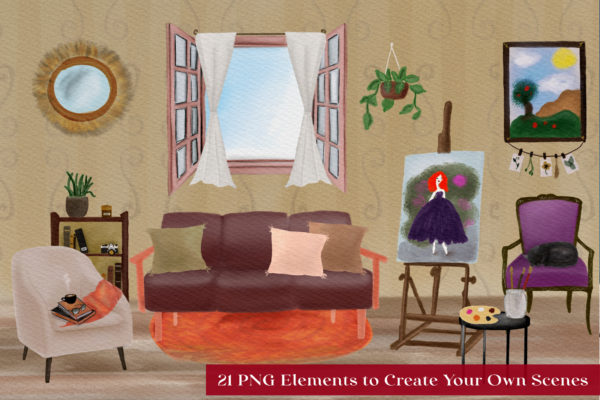
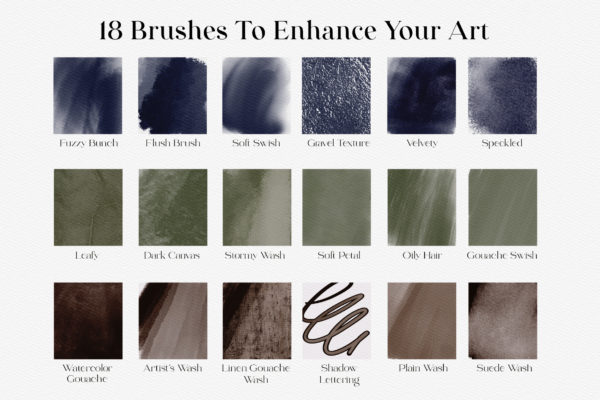
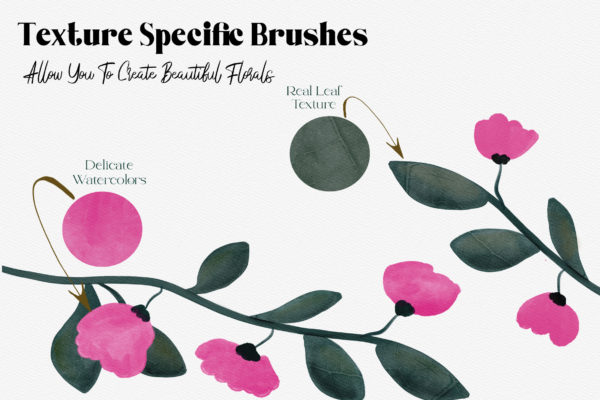
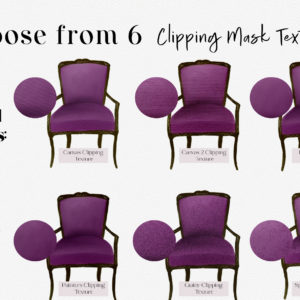
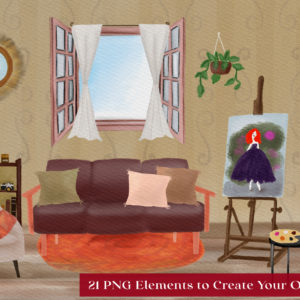
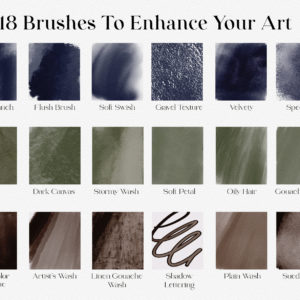
Texture Studio comes with 6 Clipping Mask textures that allow you do instantly add rich texture; from canvas to grainy. Also included are 18 texturized brushes, 21 PNG elements (to create your own scenes) and a bonus paper canvas. Texture Studio makes it easy for both the experienced artist AND the Procreate beginner. Give it a try for yourself!
You will receive:
-18 Texturized Brushes
-6 Clipping Mask Textures (with Instructions on how to use)
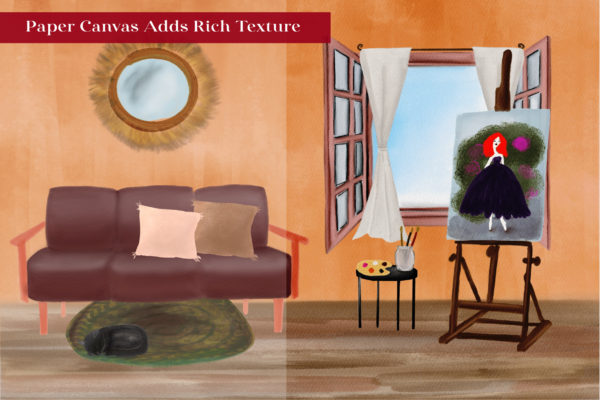
-1 Canvas Texture
-21 PNG Elements
HOW YOU WILL RECEIVE THE FILE(S): Upon receiving the purchase confirmation email, you’ll be sent a PDF with a link to download the zipped file (includes Procreate import instructions). This is because the file is too large to store here. If you’ve set up an account, you can also access any purchases (or links to those files) that way too.
*FOR PROCREATE ONLY.*
You’ll need Procreate version 4.1 or higher.
Brushes are not suitable for other programs and applications.
***These are digital files only, no physical goods are delivered.***
Instant download immediately after payment.
It is important to have brushes to use:
– PROCREATE
– iPhone or iPad / iPad Pro
– Apple Pencil
Licensing: I allow you to use these brushes/files to create personal and commercial artwork
**I do not allow the brushes to be shared or sold as is.
Feel free to message me with any questions.
All artwork shown in listing was created by Sofydoll Designs using brushes from this brush kit.
©️ Create with Procreate, 2021. All rights reserved.